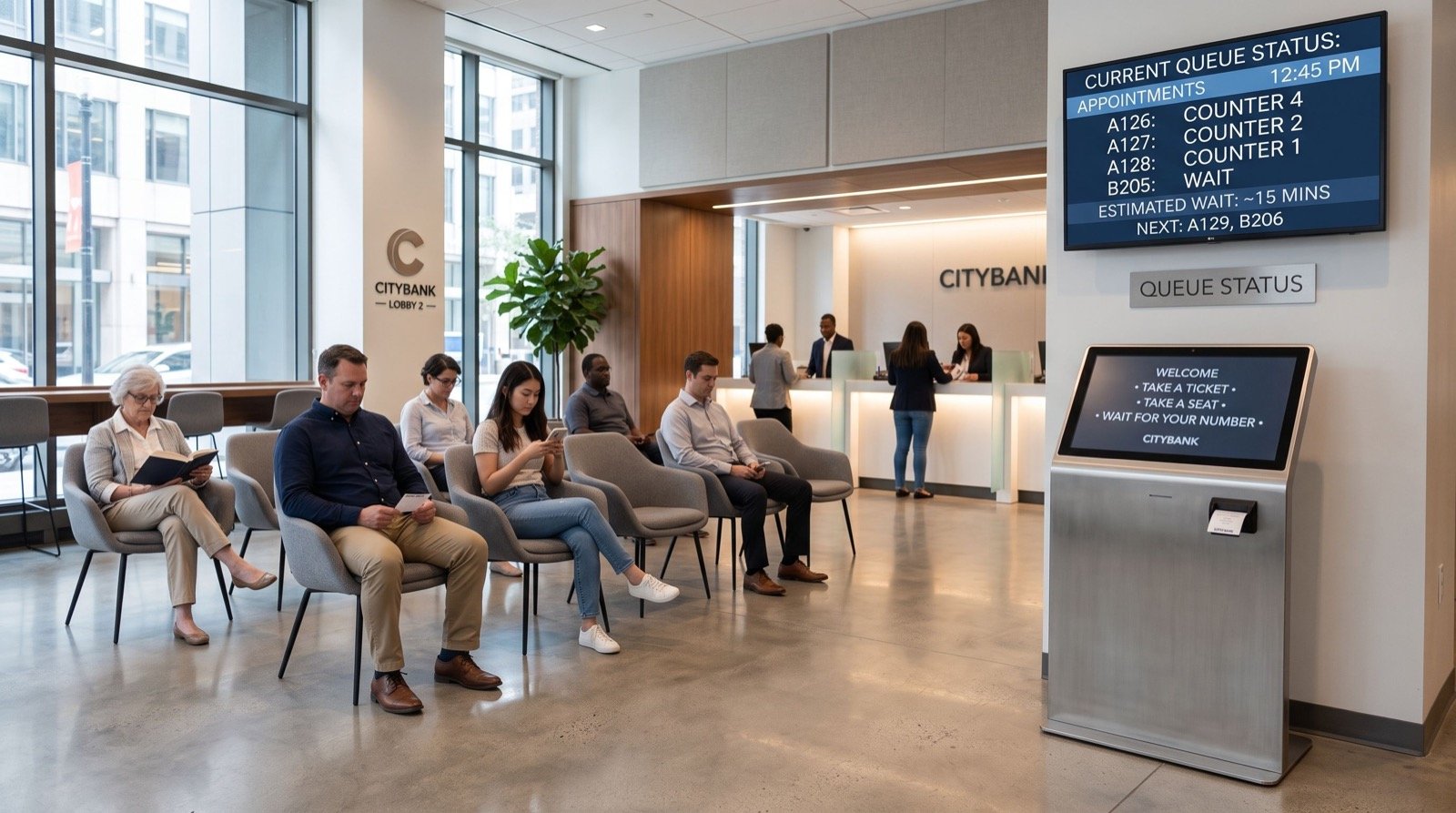
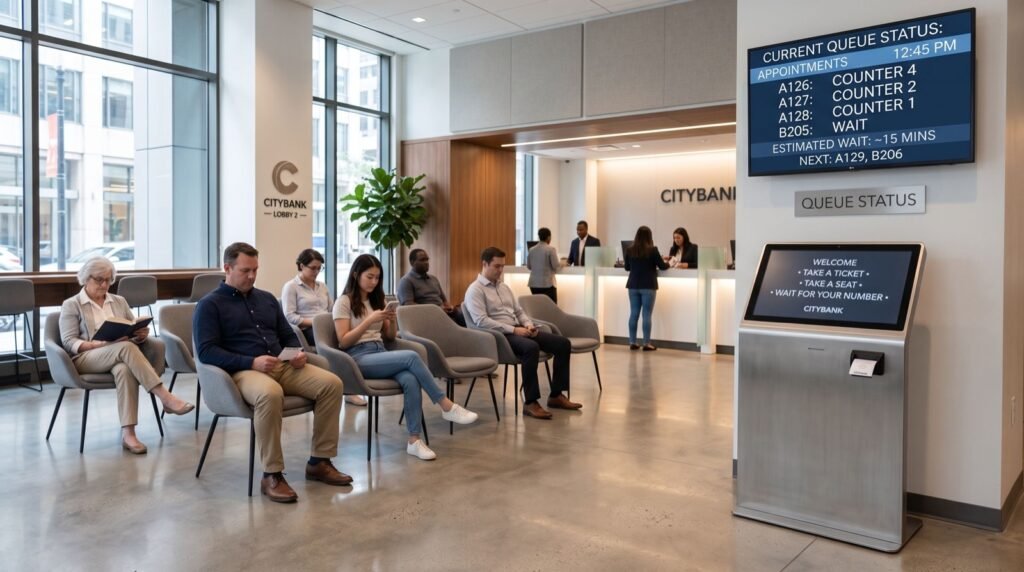
Long waiting lines are one of the fastest ways to lose a customer. Across the Kingdom, banks, clinics, government counters and retail chains are replacing paper tickets and shouting with digital flow control. If you are researching a queue management system in saudi arabia, this 2026 guide explains what to buy, how to deploy it and how to measure the results.
We keep the advice practical. You will see the core components, a comparison of ticketing models, a rollout plan and the mistakes we see most often on site visits.
Why Queue Management Matters in the Kingdom Right Now
Saudi Arabia is investing heavily in service quality under Vision 2030. Visitor numbers are rising, digital government platforms are maturing and customers now compare every counter with the best experience they have had anywhere.
A visible, fair and predictable waiting experience signals professionalism. In our field experience, the single biggest complaint is not the wait itself. It is not knowing how long the wait will be.
The business case in three numbers
- Abandonment drops sharply once customers see an estimated wait time on a screen or phone.
- Staff spend less time managing disputes about who arrived first.
- Managers get hourly data on peak periods, so rosters match real demand.
What Is a Queue Management System?
A queue management system is a combination of software and hardware that issues tickets, orders customers fairly, calls them to the right counter and records every step. Modern platforms also send SMS or WhatsApp alerts, so people can wait in a cafe or car instead of a crowded lobby.
Core components
- Ticket dispenser or kiosk. Touchscreen kiosks let customers pick a service category in Arabic or English.
- Display screens and audio. LED or LCD boards show the next number and counter. Voice calls in both languages help every visitor.
- Counter terminals. Staff call, transfer, recall or skip tickets with one click.
- Central software. The dashboard drives routing rules, priorities and reports.
- Mobile and web check-in. Customers join the line remotely and track their position.
Choosing the Right Model for Your Site
Not every location needs the same setup. A small clinic and a large branch network have very different requirements. The table below summarises the common models.
| Model | Best for | Strength | Watch out for |
|---|---|---|---|
| Single-line ticketing | Small clinics, pharmacies | Simple and low cost | Limited reporting |
| Multi-service routing | Banks, telecom stores | Skills-based assignment | Needs careful category design |
| Appointment plus walk-in | Hospitals, government offices | Predictable load | No-show management |
| Virtual queue (mobile) | Malls, events, airports | Frees physical space | Requires reliable data coverage |
| Multi-branch cloud | Retail and bank chains | Central analytics | Network uptime planning |
How Do You Deploy a Queue System in Saudi Arabia?
Deployment is easier when you treat it as an operations project, not just a hardware purchase. Follow these steps.
- Map the customer journey. Walk the floor at peak time. Note where people hesitate, where they cluster and which counters create bottlenecks.
- Define service categories. Keep the kiosk menu to five or six clear choices. Long menus slow everyone down.
- Set priority rules. Seniors, people of determination and VIP customers often need separate handling. Configure this on day one.
- Install and localise. Arabic right-to-left layouts, prayer-time pauses and bilingual voice prompts are standard expectations.
- Train staff. A one-hour session on recall, transfer and break functions prevents most early support calls.
- Review weekly. Check average wait, service time and walk-outs, then adjust staffing.
When we plan cabling, power and screen positions, we also bring in reputable service experts for site works such as car park and entrance preparation, because a smooth arrival path is part of the same customer experience.
Extending the Idea to Vehicles: Drive Thru Systems
Queues are not only indoors. Quick-service restaurants, pharmacies and pickup points now rely on Drive Thru Systems to move cars quickly. Headsets, order-point units and timers measure how long each vehicle spends at the menu board and window.
The same principle applies. Measure each stage, remove the slowest step and show customers what is happening. A well-tuned lane can serve noticeably more cars per hour without adding staff.
Key Features to Compare Before You Buy
Reporting and analytics
Ask to see real reports, not slides. You want average wait by hour, service time by counter, abandonment rate and staff utilisation. Exportable data helps you prove return on investment.
Integration
The best systems connect to your CRM, appointment tools or core banking screen. Integration avoids double entry and lets you greet customers by name.
Reliability and support
Local support matters. A kiosk that is down during a Thursday peak costs real money. Confirm response times, spare parts availability and remote diagnostics.
Data protection
If you collect mobile numbers, follow the Saudi Personal Data Protection Law. The Saudi Data and AI Authority publishes guidance at sdaia.gov.sa, which is worth reviewing before you enable SMS notifications.
Common Mistakes We See
- Too many ticket categories. Customers pick the wrong one, and staff reroute them anyway.
- Ignoring the physical layout. A great system cannot fix a screen that nobody can see from the seating area.
- No wait-time message. A simple estimate reduces frustration more than faster service alone.
- Skipping staff buy-in. If counters do not call tickets consistently, data becomes unreliable.
One original tip from our deployments: print the average wait for the last hour on the display. Customers treat a visible, honest number as a promise, and teams work harder to keep it low.
Real-World Scenario: A Busy Clinic in Riyadh
Consider a clinic that sees four hundred patients a day. Before digital ticketing, reception handled check-in, answered questions about waiting times and settled arguments about turns. After installing kiosks and two display screens, the front desk focused on registration only.
Within a month, the manager noticed that Sunday mornings were far busier than expected, so a second nurse moved to that shift. Small, data-driven moves like this keep patients calmer and staff less stressed.
Frequently Asked Questions
How much does a queue management system cost in Saudi Arabia?
Pricing depends on the number of counters, kiosks and branches. A small single-site setup is far cheaper than a multi-branch cloud deployment. Request a quote based on your counter count and desired reports.
How long does installation take?
A typical single-branch project takes a few days for hardware and one more day for training. Multi-branch rollouts are usually phased over several weeks.
Can the system work in Arabic and English?
Yes. Reputable platforms support bilingual kiosks, screens and voice announcements, plus right-to-left layouts.
Do customers need a smartphone?
No. Physical tickets remain available. Mobile check-in is an optional extra that many customers appreciate.
Conclusion: Start With the Customer’s Wait
A well-planned queue management system in Saudi Arabia turns waiting from a frustration into a managed, measurable process. Map your journey, keep categories simple, localise properly and review the data every week. If you want a tailored recommendation for your branch or lane, talk to a specialist and request a site assessment in 2026.